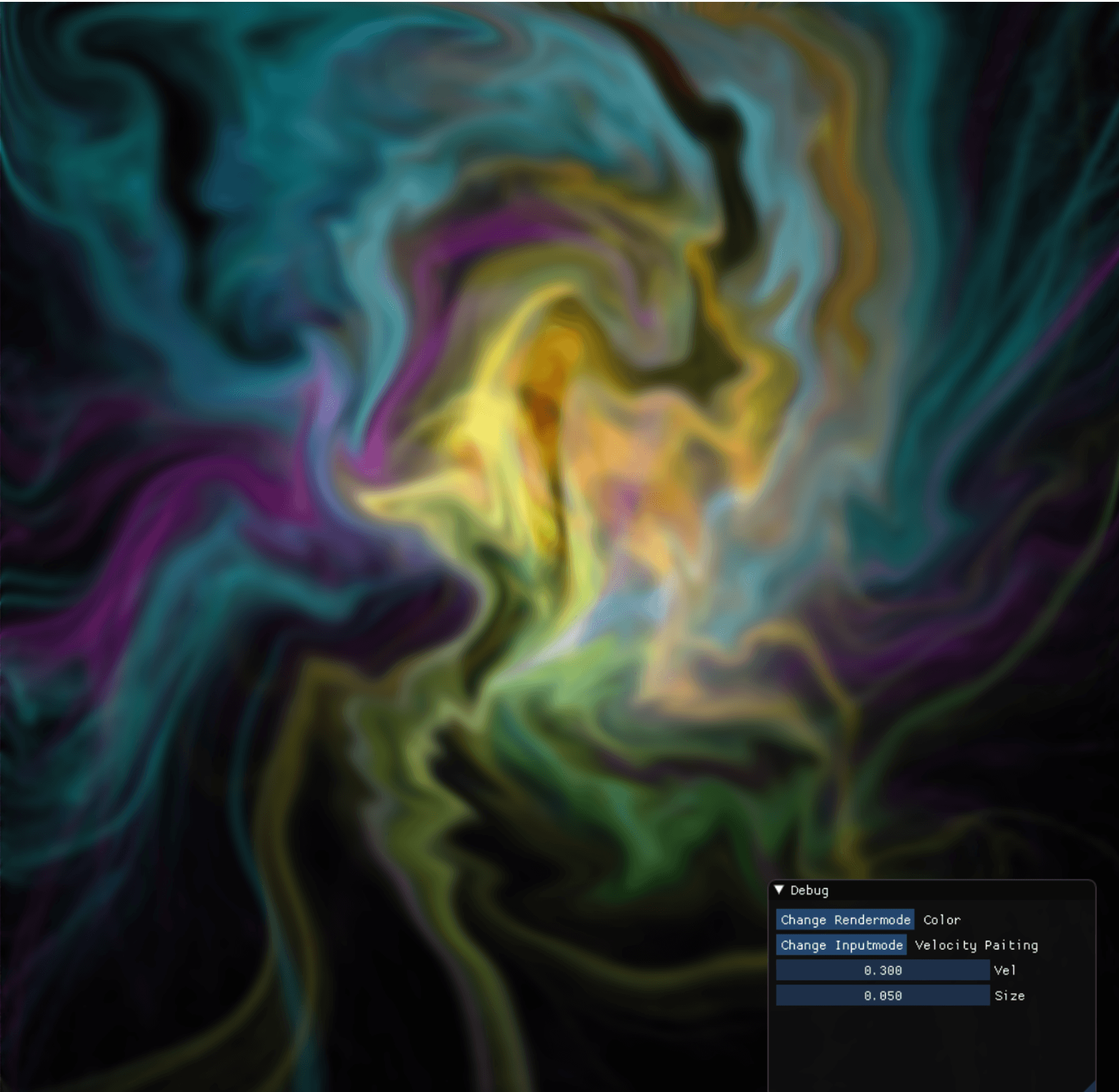
Interactive liquid simulation
Interactive C++ / DirectX11 2D fluid simulation for the Overlord Engine. Parallelised solution for the Navier-Stokes equations for incompressible, homogenous flow.
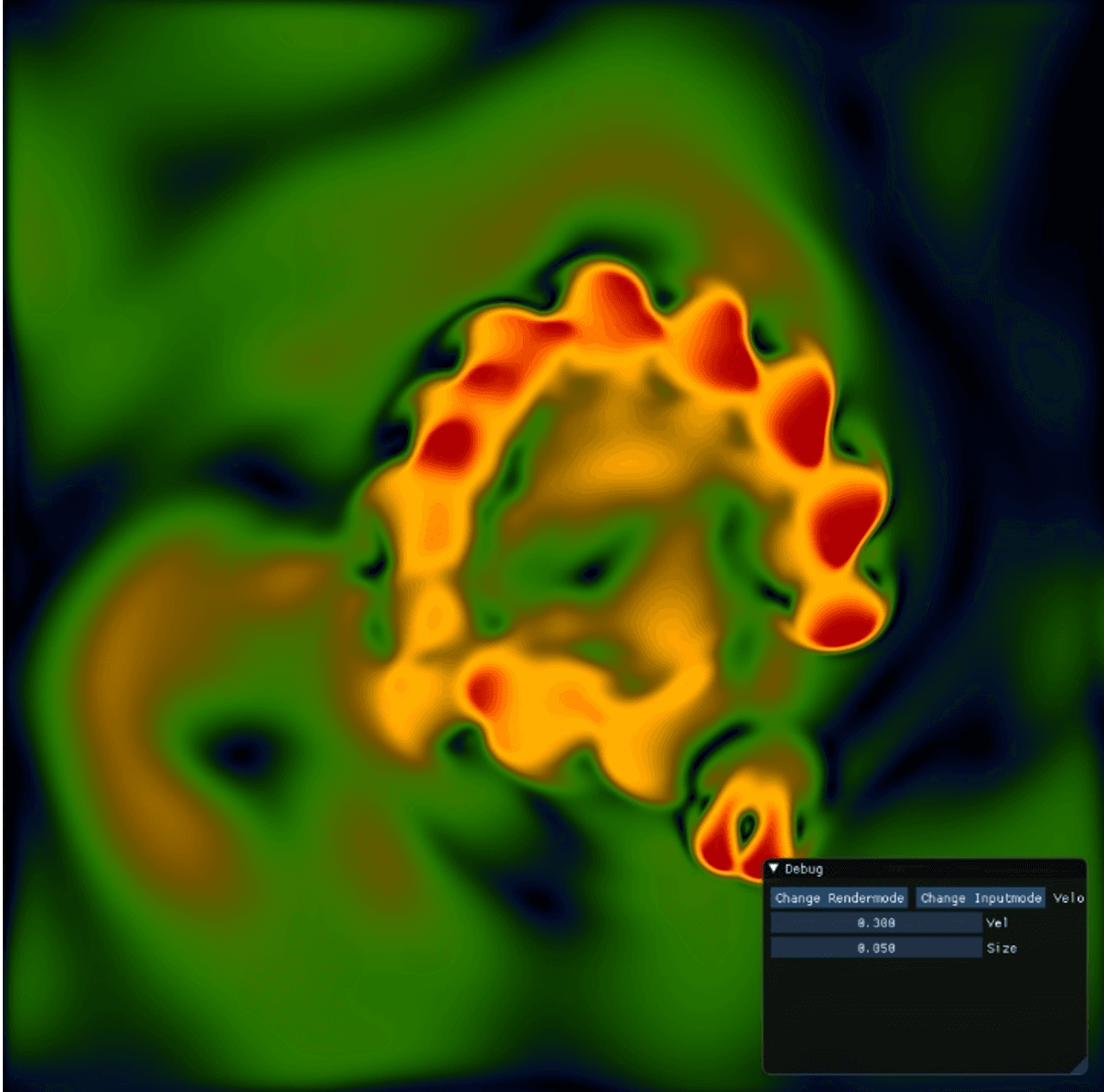
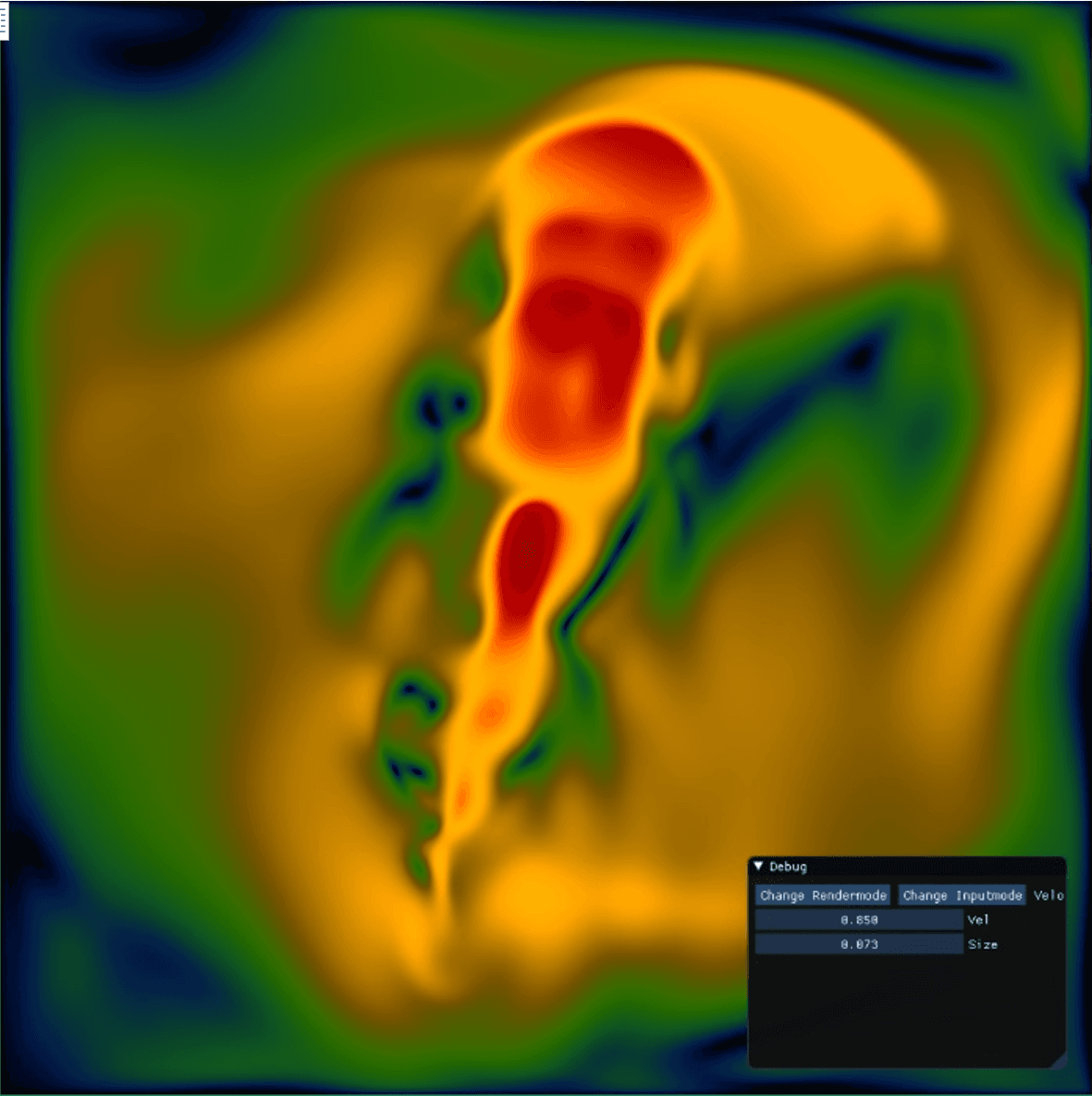
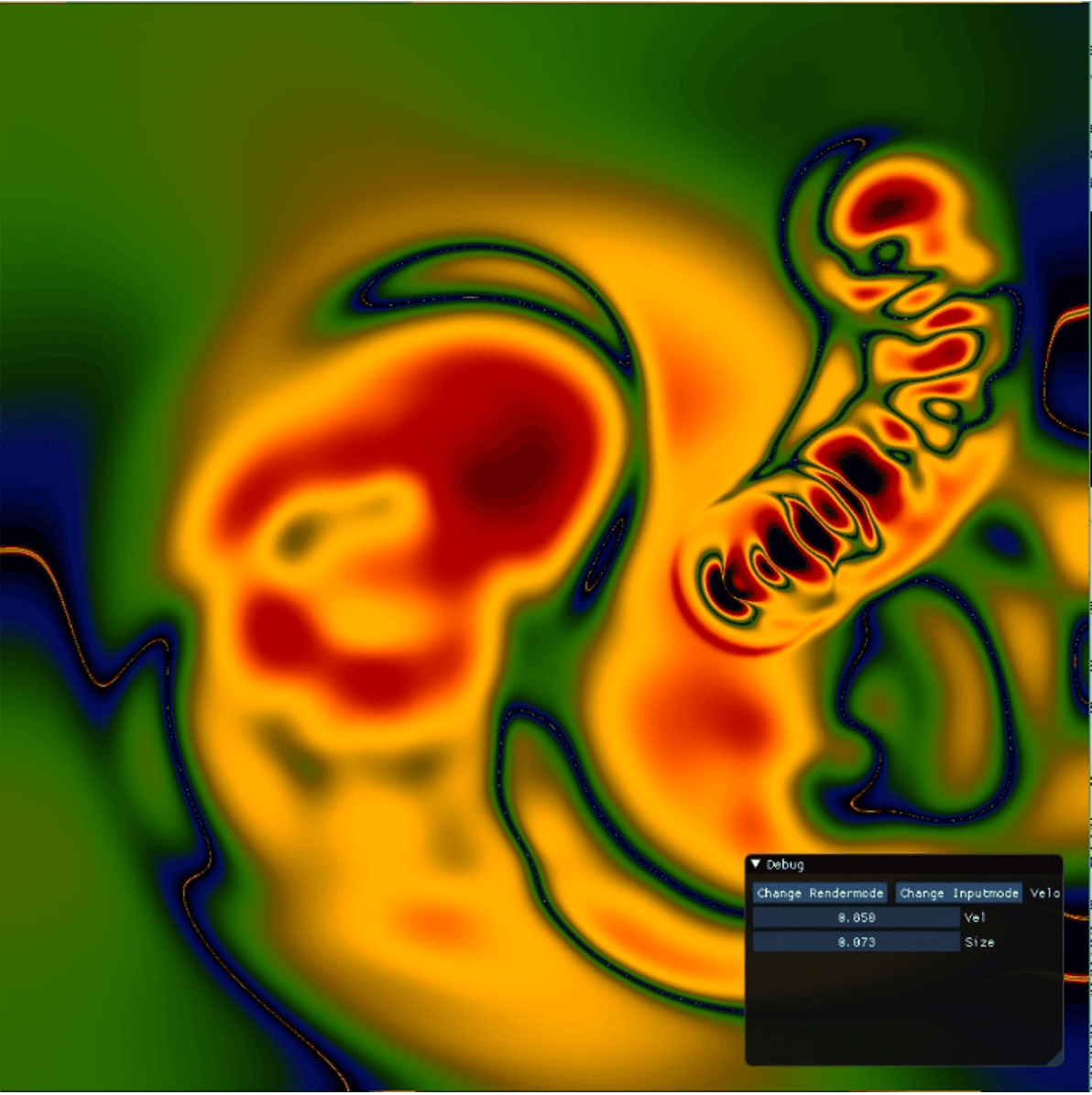
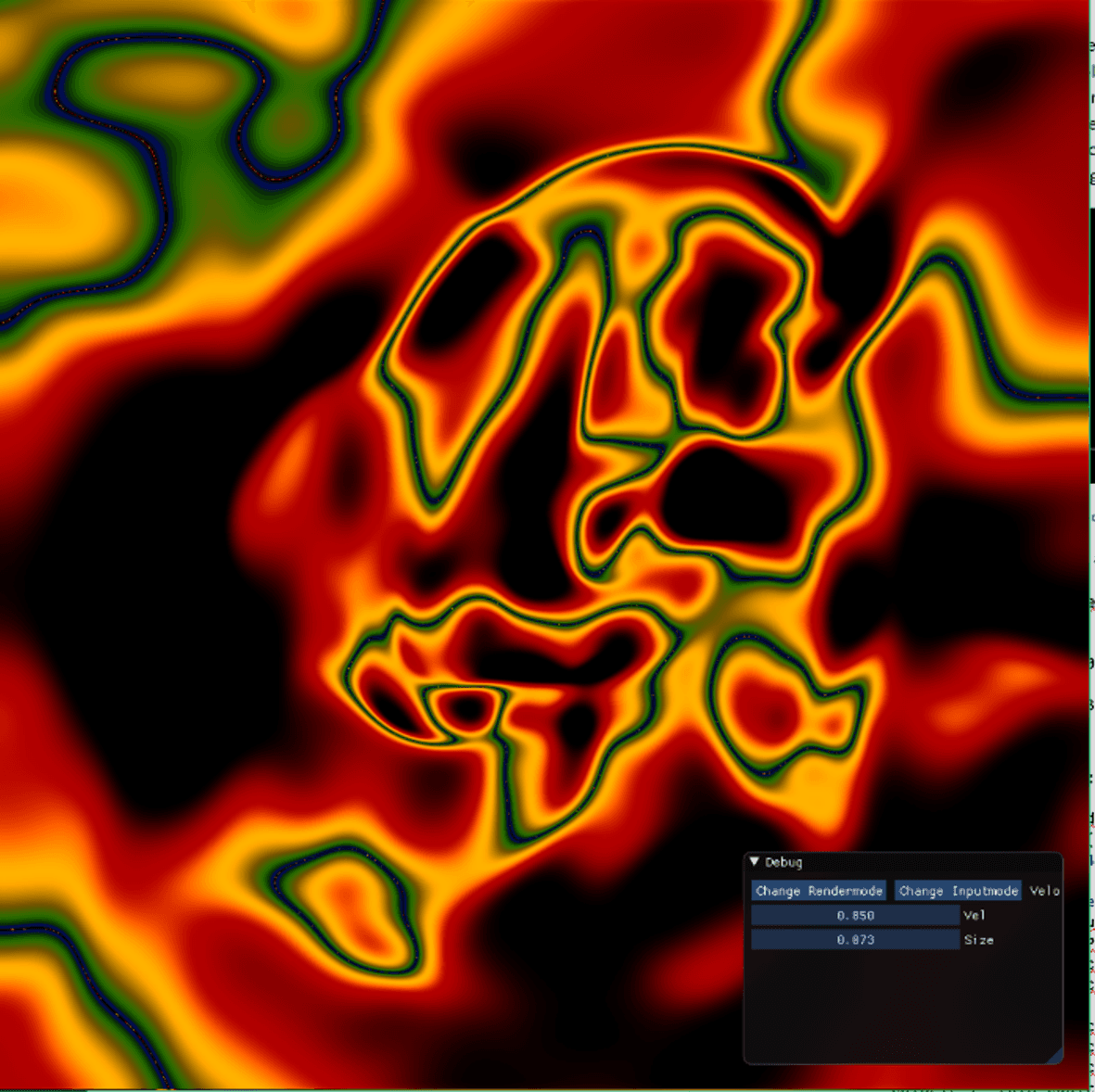
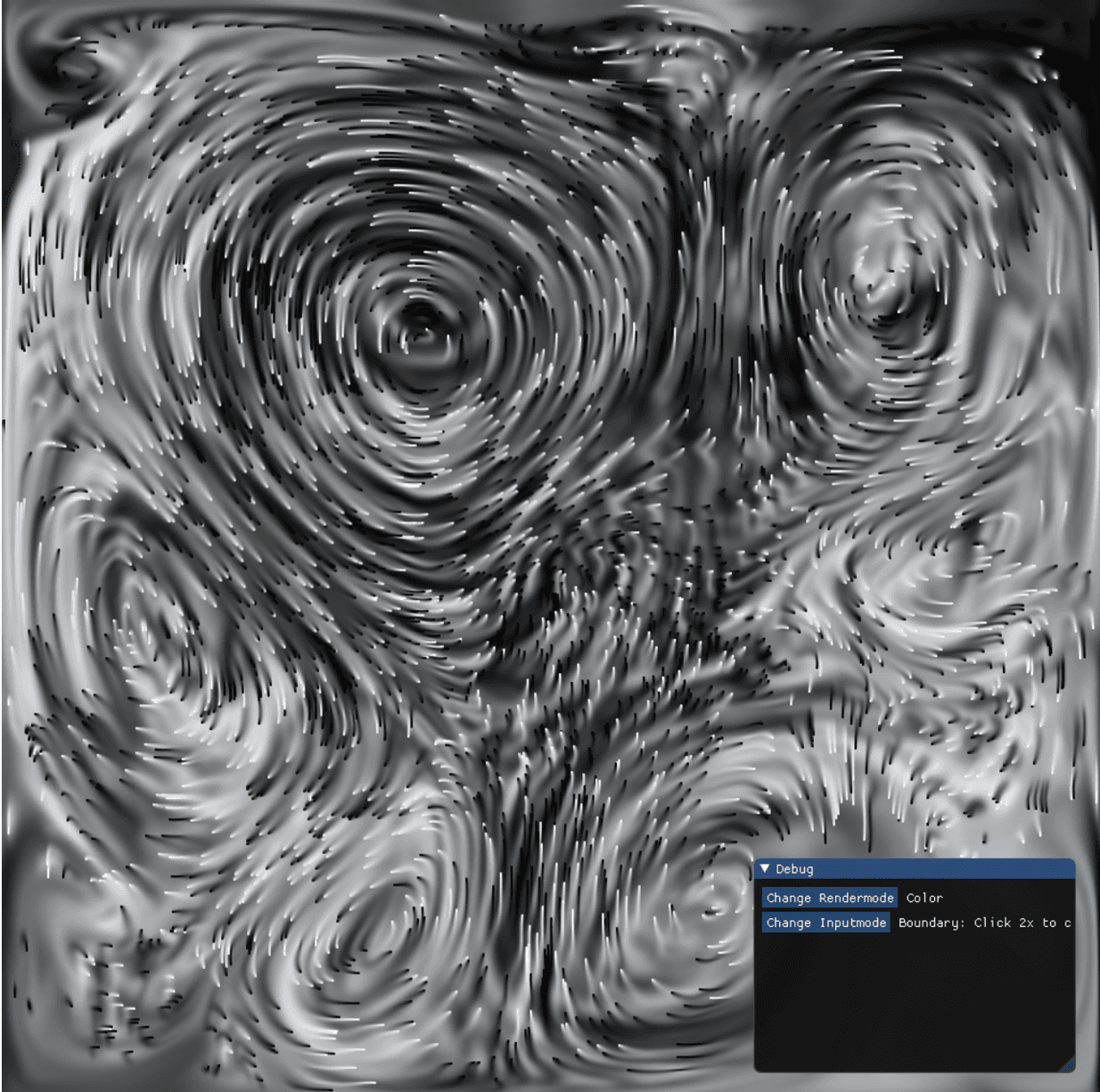
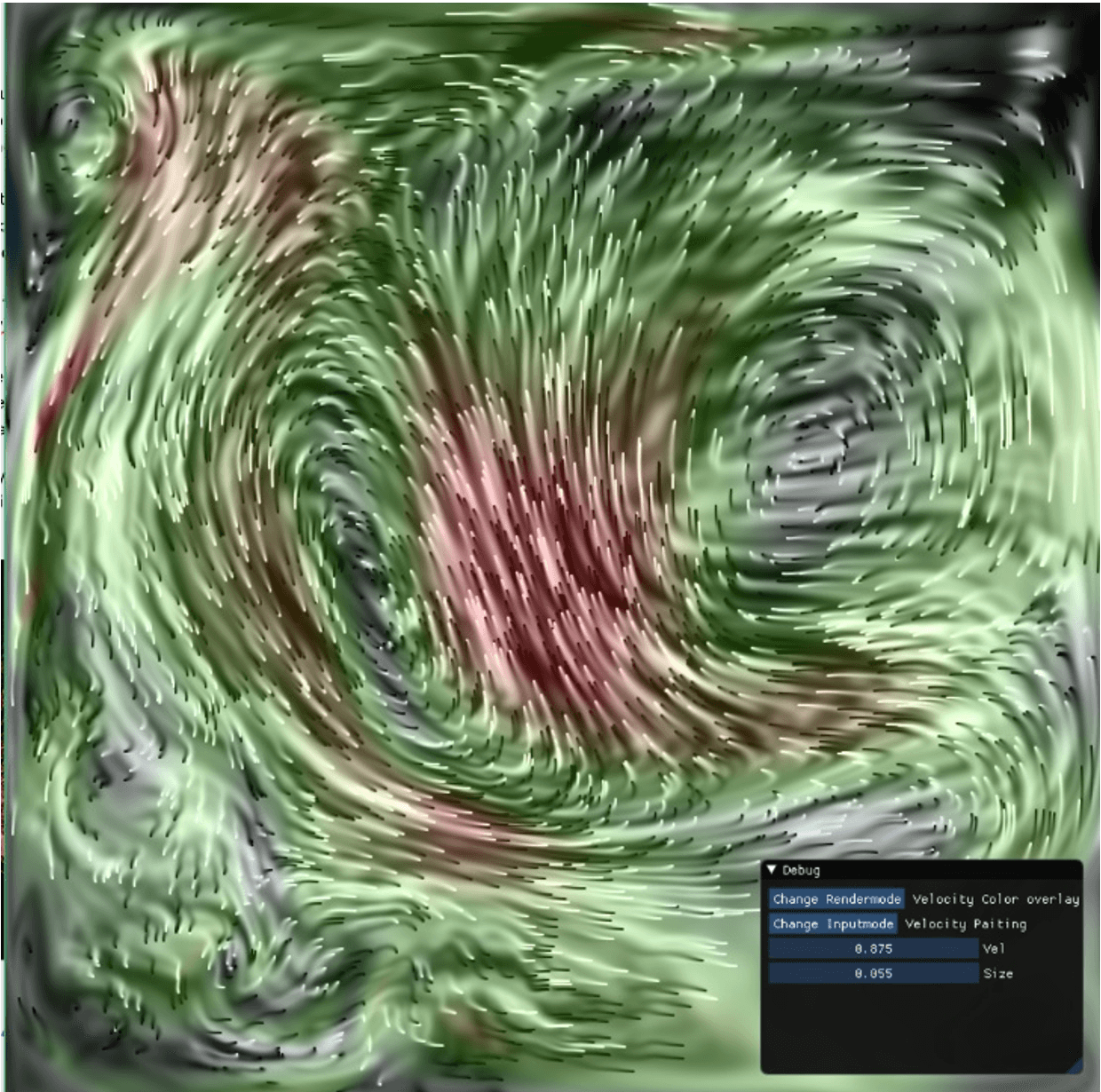
The video shows different ways of rendering: pressure or velocity magnitude as a color gradient, isoline displays, and a hybrid method.
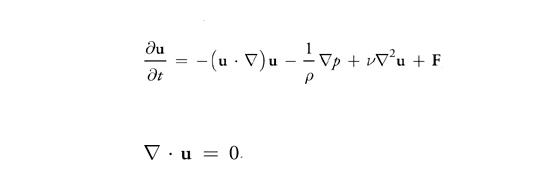
It uses concepts from vector calculus. There are three uses for the nabla symbol: the gradient ∇p, divergence ∇·p, and Laplacian ∇². This set of equations splits into small pieces: advection, pressure, viscous diffusion, and external forces. It solves those pieces with multipass rendering and render targets. One simulation step looks like this:
void LiquidRenderer::SimulationStep()
{
  Advection();
  Diffusion();
  Inflow();
  PressureProjection();
  BoundaryProjection();
}
Each function binds input and output textures, then issues draw calls on the GPU. Each texel is a discretized region of fluid. Multiple textures store pressure, velocity, and color. The velocity field is a vector field; pressure is a scalar field. The simplest pass is advection, with two texture inputs: a quantity to advect, and a velocity field. The velocity field advects pressure, color, and itself in separate draw calls.
PS_OUTPUT PS(VS_OUTPUT input) : SV_TARGET{  // Pixel Shader
  PS_OUTPUT output = (PS_OUTPUT)0;
    float2 vel = gAdvectionForceMap.Sample(samLinear, input.texCoord).xy;
  float2 coords = input.texCoord - (vel.xy / gTextureSize * gTimeStep);
  output.color = gAdvectedQuantityMap.Sample(samLinear, coords);
  return output;
}
The diffusion term is solved with Jos Stam's implicit backward formulation (Stam 1999) using Jacobi iterative relaxation. About 80 iterations are used. More iterations converge closer to an accurate solution and yield more complex swirling.
PS_OUTPUT PS(VS_OUTPUT input) : SV_TARGET{
  PS_OUTPUT output = (PS_OUTPUT)0;
      float4 Top = gVariableMap.Sample(samLinear, input.texCoord + float2(0, gRes));
  float4 Bottom = gVariableMap.Sample(samLinear, input.texCoord - float2(0, gRes));
  float4 Right = gVariableMap.Sample(samLinear, input.texCoord + float2(gRes, 0));
  float4 Left = gVariableMap.Sample(samLinear, input.texCoord - float2(gRes, 0));
      float4 Center = gConstantMap.Sample(samLinear, input.texCoord);
  output.color = ((Top + Bottom + Right + Left + (gAlpha * Center)) * (gBeta));
  return output;
}
Pressure projection also uses the Jacobi shader, with divergence of the velocity and the pressure as inputs. Another 80 iterations. The result is subtracted from the velocity field.
// Pixel Shader
PS_OUTPUT PS(VS_OUTPUT input) : SV_TARGET{
  PS_OUTPUT output = (PS_OUTPUT)0;
    float4 varTop = gSourceMap.Sample(samLinear, input.texCoord + float2(0, gRes));
  float4 varBottom = gSourceMap.Sample(samLinear, input.texCoord - float2(0, gRes));
  float4 varRight = gSourceMap.Sample(samLinear, input.texCoord + float2(gRes, 0));
  float4 varLeft = gSourceMap.Sample(samLinear, input.texCoord - float2(gRes, 0));
  output.color.r = (1/ (  gRes)) * ((varRight.x - varLeft.x) + (varTop.y - varBottom.y));
  output.color.a = 1;
  return output;
}
Boundaries enforce zero velocity at the wall. Pressure is set to 1.
// Pixel Shader
PS_OUTPUT PS(VS_OUTPUT input) : SV_TARGET{
  PS_OUTPUT output = (PS_OUTPUT)0;
  float res = 1 / gTextureSize;
  if (input.texCoord.x < res) {
    float2 coord = float2(input.texCoord.x + res, input.texCoord.y);
    output.color.x = gIsPressure * gDiffuseMap.Sample(samLinear, coord).x;
    output.color.a = 1;
    return output;
  }
  if (input.texCoord.x > 1-res) {
    float2 coord = float2(input.texCoord.x - res, input.texCoord.y);
    output.color.x = gIsPressure * gDiffuseMap.Sample(samLinear, coord).x;
    output.color.a = 1;
    return output;
  }
  if (input.texCoord.y < res) {
    float2 coord = float2(input.texCoord.x , input.texCoord.y - res);
    output.color.y = gIsPressure * gDiffuseMap.Sample(samLinear, coord).y;
    output.color.a = 1;
    return output;
  }
  if (input.texCoord.y > 1 - res) {
    float2 coord = float2(input.texCoord.x , input.texCoord.y - res);
    output.color.y = gIsPressure * gDiffuseMap.Sample(samLinear, coord).y;
    output.color.a = 1;
    return output;
  }
  if (gBoundaryMap.Sample(samLinear, input.texCoord).r > 0.99)
  {
    output.color.a = 1;
    float2 coord = float2(input.texCoord.x + res, input.texCoord.y);
    float s = gBoundaryMap.Sample(samLinear, coord).x;
    if (s < 0.01)
    {
      output.color.x = gIsPressure * gDiffuseMap.Sample(samLinear, coord).x;
      return output;
    }
    coord = float2(input.texCoord.x - res, input.texCoord.y);
    s = gBoundaryMap.Sample(samLinear, coord).x;
    if (s < 0.01)
    {
      output.color.x = gIsPressure * gDiffuseMap.Sample(samLinear, coord).x;
      return output;
    }
    coord = float2(input.texCoord.x, input.texCoord.y + res);
    s = gBoundaryMap.Sample(samLinear, coord).x;
    if (s < 0.01)
    {
      output.color.y = gIsPressure * gDiffuseMap.Sample(samLinear, coord).y;
      return output;
    }
    coord = float2(input.texCoord.x, input.texCoord.y - res);
    s = gBoundaryMap.Sample(samLinear, coord).x;
    if (s < 0.01)
    {
      output.color.y = gIsPressure * gDiffuseMap.Sample(samLinear, coord).y;
      return output;
    }
  }
}
Essential textures are the velocity and pressure fields. Extra textures store color, user-placed solid boundaries, and color/velocity inflows. Gradient rendering uses a cubic pulse to map velocity magnitude to color.
float cubicPulse(float center, float width, float x)
{
  x = abs(x - center);
  if (x>width) return 0.0;
  x /= width;
  return 1.0 - x * x*(3.0 - 2.0*x);
}
//--------------------------------------------------------------------------------------
// Pixel Shader
//--------------------------------------------------------------------------------------
float4 PS(VS_OUTPUT input) : SV_TARGET{


  float2 Velocity = gAdvectionMap.Sample(samLinear, input.texCoord);
  float vel = sqrt(pow(Velocity.x,2) + pow(Velocity.y,2)) ;
  float4 color = float4(0, 0, 0, 1);
  float t = 1;  //treshhold

  if (vel < 0.00001) return float4(0,0,0,1);
  t = 1;
  color.b += (0.20*cubicPulse(t / 16, t*0.065, vel));
  color.b += (0.15*cubicPulse(t / 8, t*0.125, vel));
  color.g += (0.10*cubicPulse(t / 8, t*0.125, vel));
  color.g +=(0.3*cubicPulse(t/4, t*0.25, vel));
  color.r += (0.7*cubicPulse(t * 2, t * 2, vel));
  color.g += (0.7*cubicPulse(t * 1, t*1, vel));
  color.r += (0.8*cubicPulse(t * 1, t * 1, vel));
  float res = 1024;
  color.b += (0.35*cubicPulse(res * t / 16, res * t*0.065, vel));
  color.g += (0.3*cubicPulse(res * t / 4, res *  t*0.25, vel));
  color.r += (0.7*cubicPulse(res * t * 2, res * t * 2, vel));
  color.g += (0.7*cubicPulse(res * t * 1, res * t * 1, vel));
  color.r += (0.8*cubicPulse(res * t * 1, res * t * 1, vel));

  return float4(color.xyz, 1);

}